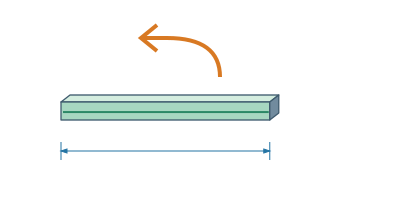
Building and editingWhat exactly does the Back button do?Before returning an edit, read its impact.▷ Play animationEdit the modelFor example, change the length of one part from 500 to 700 mmHold the indicator above BackThe label shows the change from 700 to 500 mm. When adding or removing parts, it displays the count.Return or Resume ChangeClicking Back restores the original value. The Reset button allows you to verify the change in the opposite direction.


 Čeština
 Deutsch
 日本語
 Français
 Español
 한국어
 简体中文
 Italiano
 Português
 Nederlands
 Polski
 繁體中文
 Svenska
 Türkçe
 العربية
 Українська
 Dansk
 Norsk bokmål
 Suomi
 עברית
 Română
 Magyar
 Ελληνικά
 Hrvatski