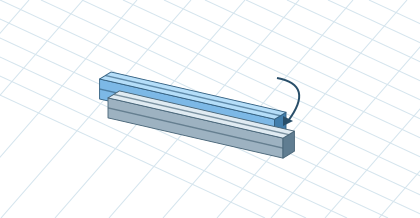
Building and editingSelection, copy, and groupsGroup related components and safely create a new assembly part.▷ Play animationCheck SelectionClick to select a part. Ctrl or Shift adds or removes elements. Verify the number of selected parts before copying.Insert a copyPress Ctrl+C, then Ctrl+V to copy the selection into the model. To place the copy at a precise offset, use the copy preview. Press Enter to confirm or Esc to cancel.Arrange a ModelIn the construction tree, select the group content. Hiding helps when working within an assembly. Show all / end isolation restores the view of hidden parts.


 Čeština
 Deutsch
 日本語
 Français
 Español
 한국어
 简体中文
 Italiano
 Português
 Nederlands
 Polski
 繁體中文
 Svenska
 Türkçe
 العربية
 Українська
 Dansk
 Norsk bokmål
 Suomi
 עברית
 Română
 Magyar
 Ελληνικά
 Hrvatski