Čeština
 Deutsch
 日本語
 Français
 Español
 한국어
 简体中文
 Italiano
 Português
 Nederlands
 Polski
 繁體中文
 Svenska
 Türkçe
 العربية
 Українська
 Dansk
 Norsk bokmål
 Suomi
 עברית
 Română
 Magyar
 Ελληνικά
 Hrvatski
Illustrated guide
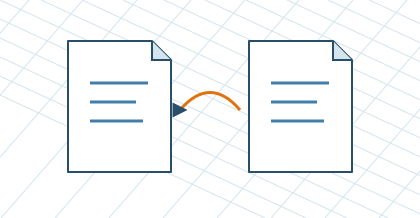
Save the project and restore the backup
For further modifications, select Save Project → Project TUKAN (.cad-al.json). Open the file through Load Project. Click on the project name to open Projects and backup. After login in My workshop you will find your own constructions, their copies, shared links, demand and restoration of the previous stored state. Changes are automatically stored in your account. Local shared links work on this computer when the CAD is running.