Čeština
 Deutsch
 日本語
 Français
 Español
 한국어
 简体中文
 Italiano
 Português
 Nederlands
 Polski
 繁體中文
 Svenska
 Türkçe
 العربية
 Українська
 Dansk
 Norsk bokmål
 Suomi
 עברית
 Română
 Magyar
 Ελληνικά
 Hrvatski
Illustrated guide
Front threaded joint and machining
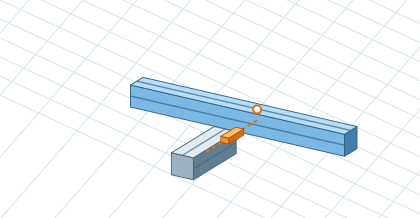
Select Front screw connections with machining in the Profile Connection. The option applies to new connections; existing can be converted by button or changed individually in detail. Angle brackets and machined connections can be combined. Use I-Type 5, 6 or 8 compatible catalog profiles for machining. Show the screws reveals the connection. Profile machining will offer preview, PDF with views of A–D and CSV with the same parts positions. Create a new plan after moving the connection. Square tubess don't work.