Čeština
 Deutsch
 日本語
 Français
 Español
 한국어
 简体中文
 Italiano
 Português
 Nederlands
 Polski
 繁體中文
 Svenska
 Türkçe
 العربية
 Українська
 Dansk
 Norsk bokmål
 Suomi
 עברית
 Română
 Magyar
 Ελληνικά
 Hrvatski
Illustrated guide
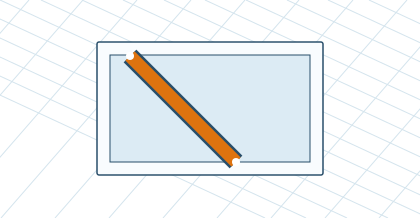
Add a brace at 45°
Right-click on the supporting profile and open Advanced: Miter at 45°. Set the beam surface, direction, distance from start, and length along the axis. The dialog verifies fit and compatibility with the I-Type 8 series.