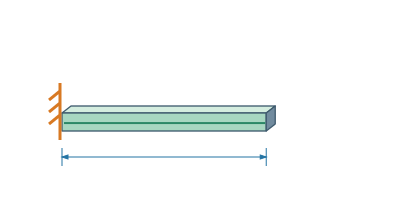
Building and editingExtension with a fixed endThe fixed end determines which side the length extends to.▷ Play animationSelect crossmemberSelect the profile and open the length edit preview. Identify the start and end of the part.Select Fixed PointKeep the start on the spot and enlarge cut length. Watch only the moving end.Confirm previewCheck affected constraints and apply change. Before modifying a fixed or locked part, first verify its fasteners.


 Čeština
 Deutsch
 日本語
 Français
 Español
 한국어
 简体中文
 Italiano
 Português
 Nederlands
 Polski
 繁體中文
 Svenska
 Türkçe
 العربية
 Українська
 Dansk
 Norsk bokmål
 Suomi
 עברית
 Română
 Magyar
 Ελληνικά
 Hrvatski