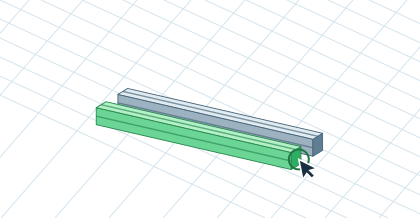
Building and editingEven crossmembers in the frameConnect the frame drawing to repeat insertion and comparison of crossmembers.▷ Play animationDraw the outlineOpen Draw Frame: select a plane and enter the outline dimensions. After confirmation, review the generated profiles and their connections.Prepare crossmembersInsert the first crossmember, check cut length and re-insert the next. Mark more parts with Ctrl or Shift.Enter the spacingIn Align / Distribute, select the same spacing or entered pitch. Pitch is measured between axes, spacing between surfaces. Review the result.


 Čeština
 Deutsch
 日本語
 Français
 Español
 한국어
 简体中文
 Italiano
 Português
 Nederlands
 Polski
 繁體中文
 Svenska
 Türkçe
 العربية
 Українська
 Dansk
 Norsk bokmål
 Suomi
 עברית
 Română
 Magyar
 Ελληνικά
 Hrvatski