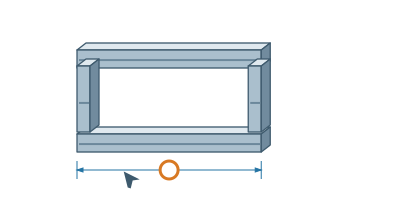
Working with templatesChange a template dimensionX, Y, and Z dimensions in the rotated view can be edited directly.▷ Play animationOpen tabSelect template and in detail find its live 3D preview. Dimensions are shown where this template allows modification.Click on the numberClick on the number to open the dimensional field directly at the arrow. When selecting the field in the list, the same dimension is highlighted.Enter SizeFor example, type 140 cm and press Enter. The number without units is read according to the field label. Before inserting, you can rotate the model to verify the result.


 Čeština
 Deutsch
 日本語
 Français
 Español
 한국어
 简体中文
 Italiano
 Português
 Nederlands
 Polski
 繁體中文
 Svenska
 Türkçe
 العربية
 Українська
 Dansk
 Norsk bokmål
 Suomi
 עברית
 Română
 Magyar
 Ελληνικά
 Hrvatski